Named Multi-Sessions
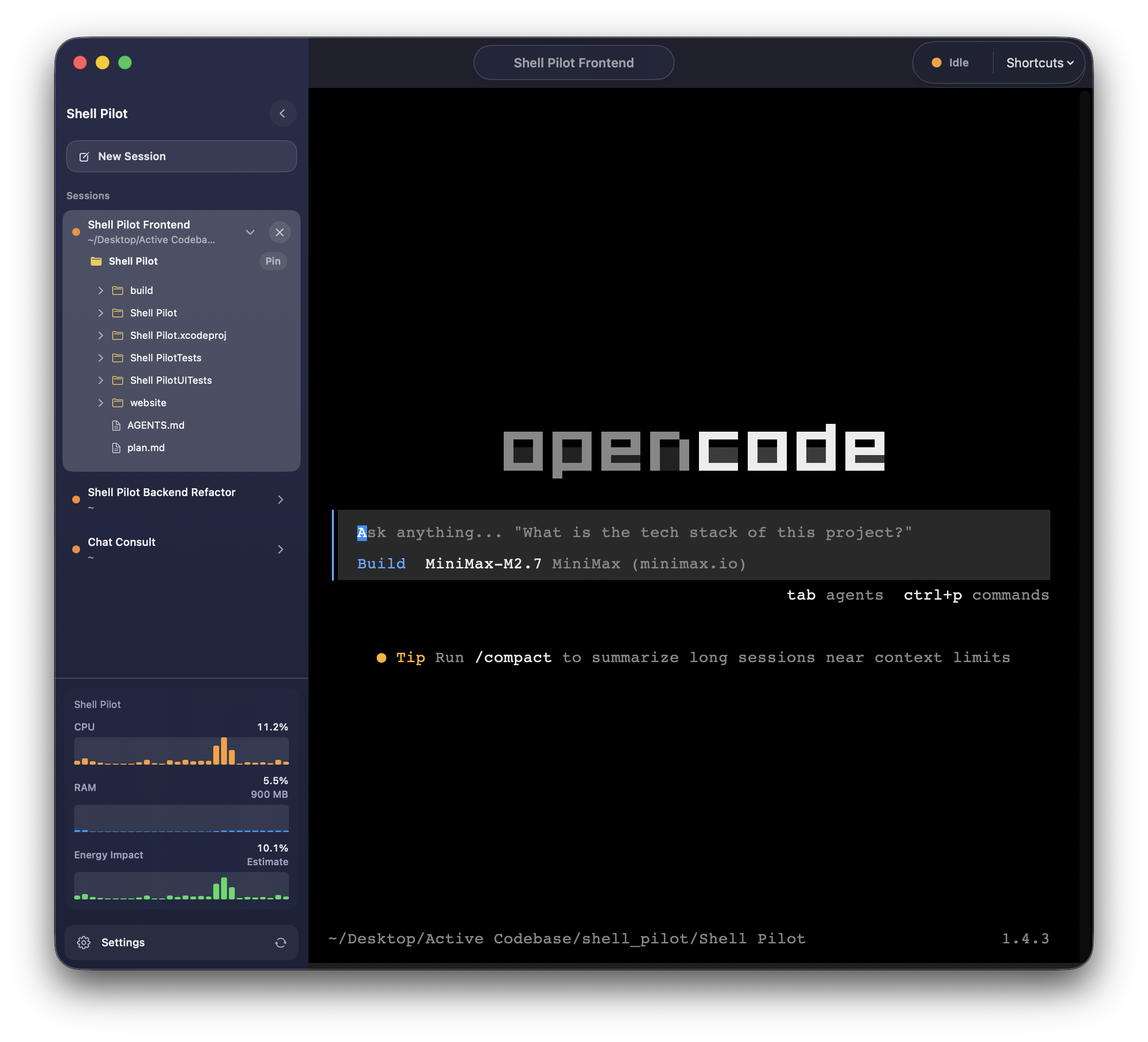
Create, rename, and switch between persisted terminal sessions. Each session keeps its own
process state, current directory, and active or idle indicator.
Advanced
Local Command Suggestions
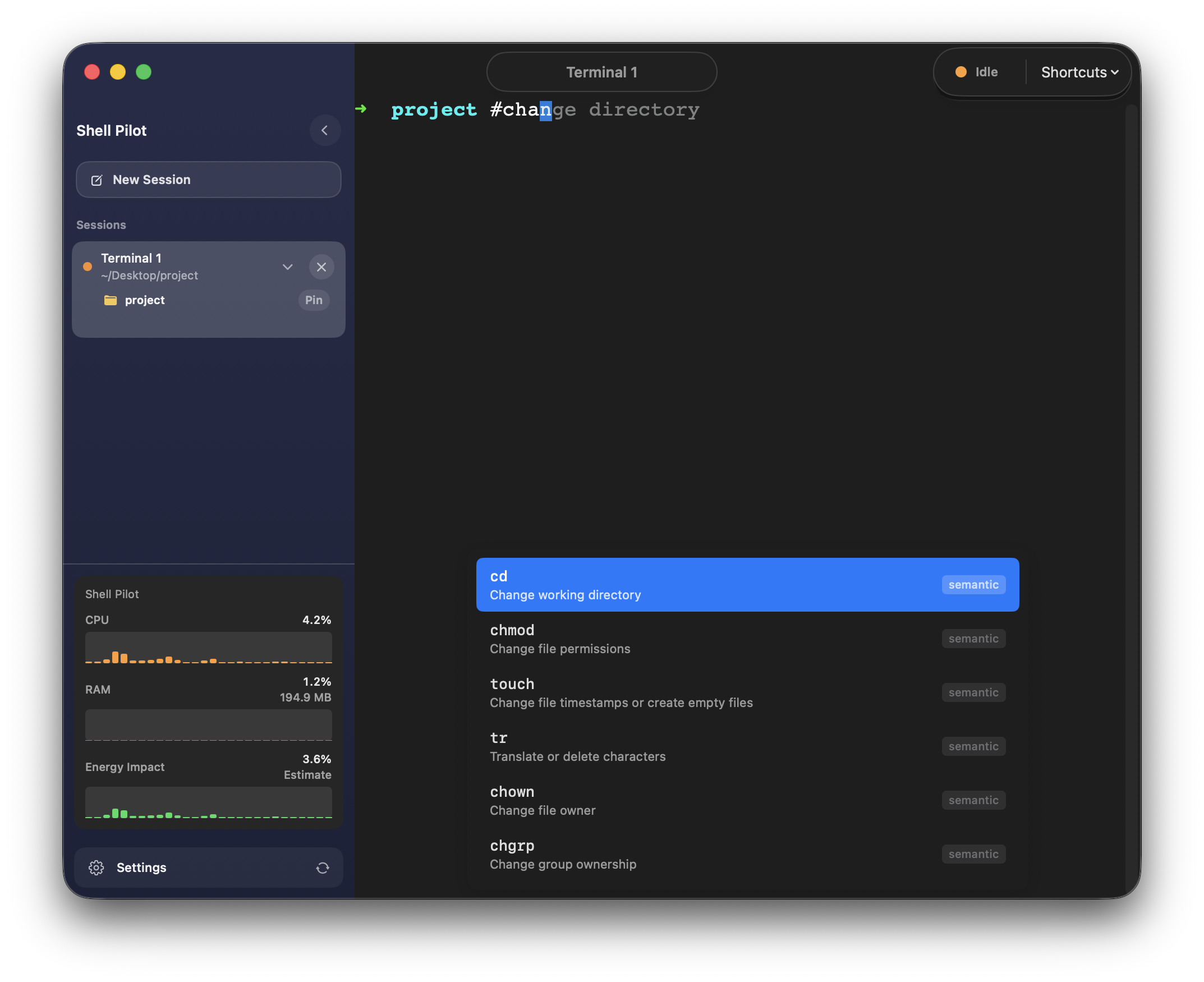
Predict commands from your Zsh history and bundled command catalog, with keyboard navigation
and quick acceptance right in the terminal. Start a line with
# to describe what you want in plain English instead —
#goback, #kill port 3000 —
and 209 curated recipes answer with the actual command line to run.
Codebase Tree
Pin a folder to a session, browse its tree, expand subfolders, and keep the current directory
highlighted at a glance.
New
Git Commit History
When a folder contains a .git repository, click the git icon to view the last 50 commits. See
author, date, and message at a glance, and click any commit hash to copy it to your clipboard.
Appearance and Fonts
Choose light, dark, or system appearance and tune the terminal font family and size to fit your
setup.
Custom Shortcuts
Use built-in terminal actions or create saved keyboard shortcuts for repeat work and faster
command entry.
Power User
Smart Drag & Drop
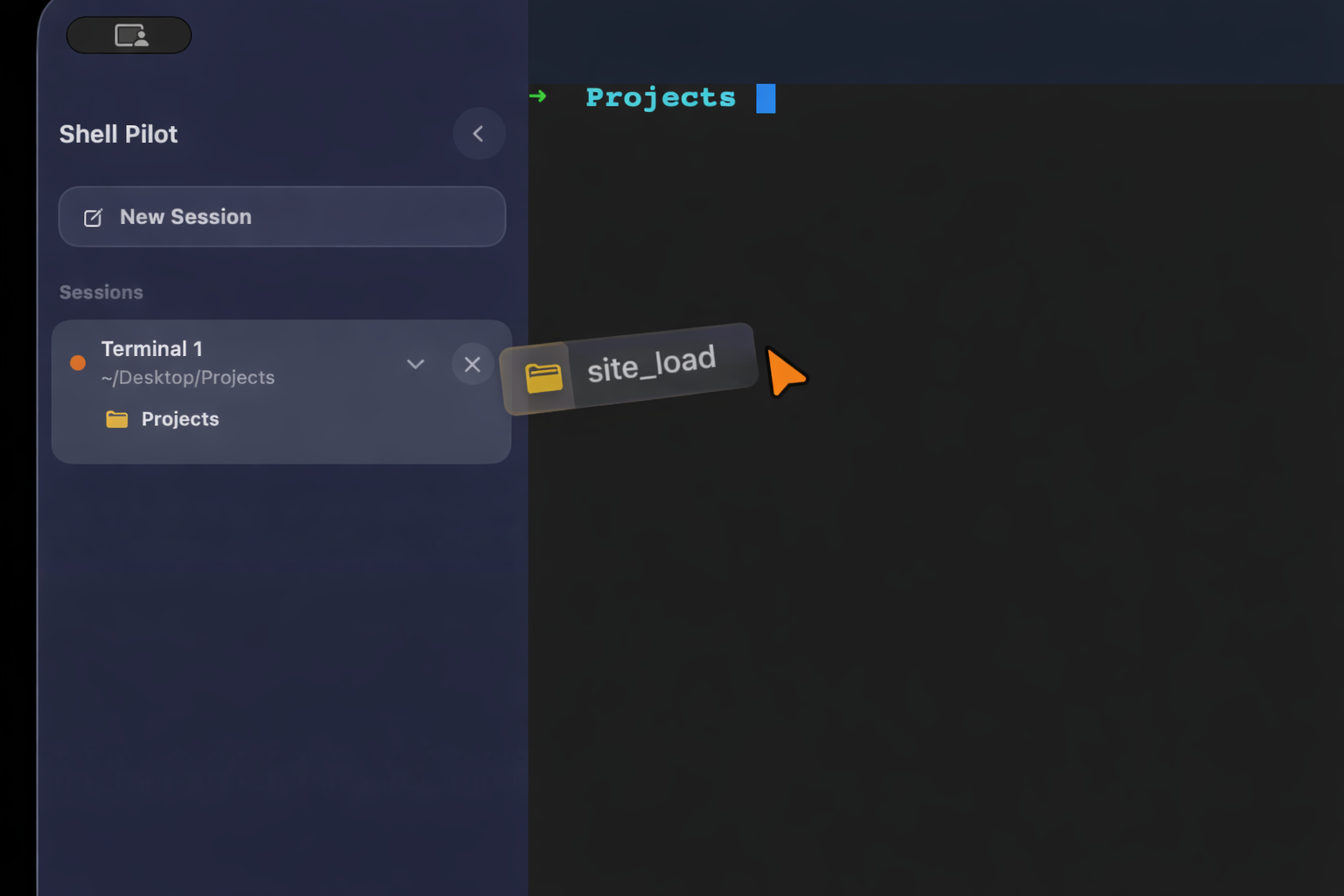
Drag files and folders from Finder or the sidebar into the terminal. Directories become
cd commands and files insert escaped paths.
Understanding Commands
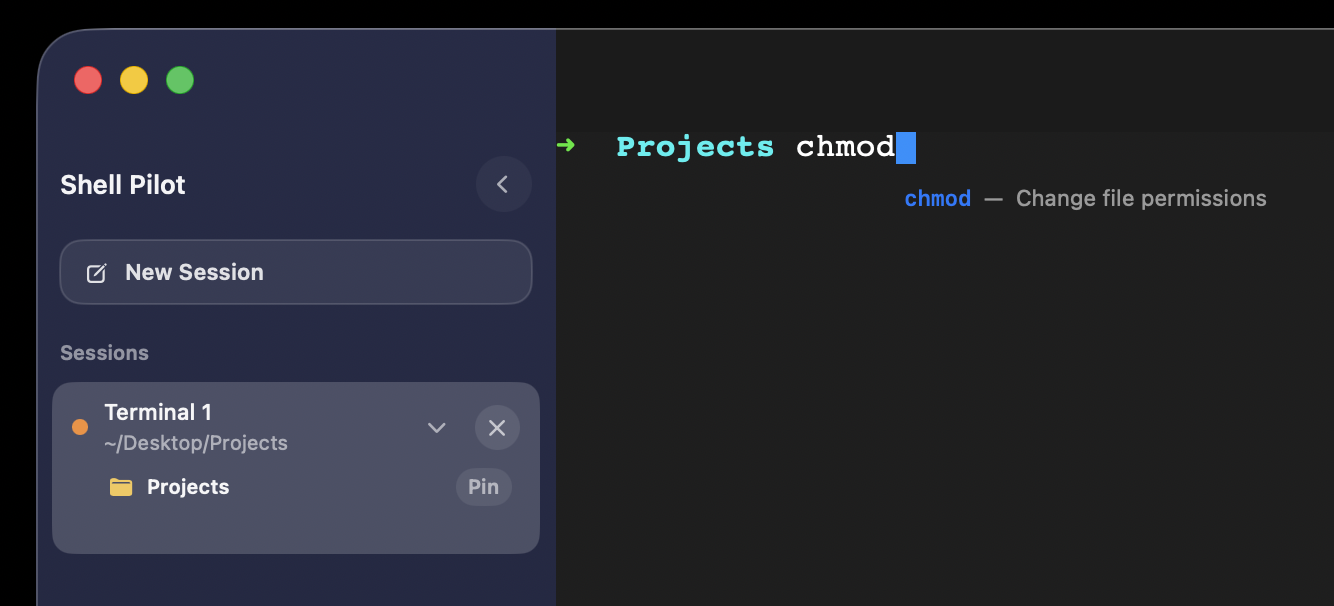
See inline command descriptions while typing, or open detailed help with the commands' usage,
options, and examples in a popover or side panel.
New
Git Command Help
Help pages for 48 git subcommands, with usage, options, and verified examples. Type
git rebase and the panel follows the subcommand, not just
git.
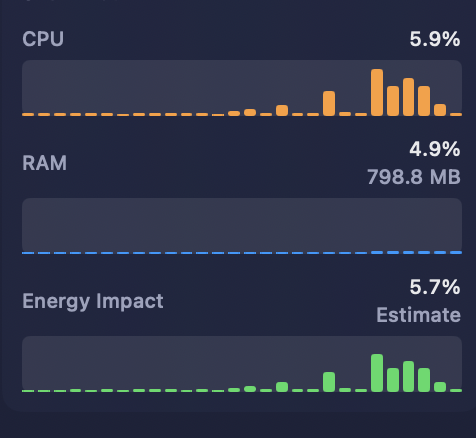
Performance Monitor
Track CPU, RAM, and energy impact with live sidebar histograms, so you can spot heavy sessions
before they slow you down.
New
Voice Dictation
Dictate commands into the terminal using on-device speech recognition. Nothing leaves the Mac,
with mic results streamed in as edits and a default hotkey of ⌃⌥D.
Fast
Built for Speed
Launch sessions, switch contexts, and fire off commands with a terminal that feels instant,
responsive.